
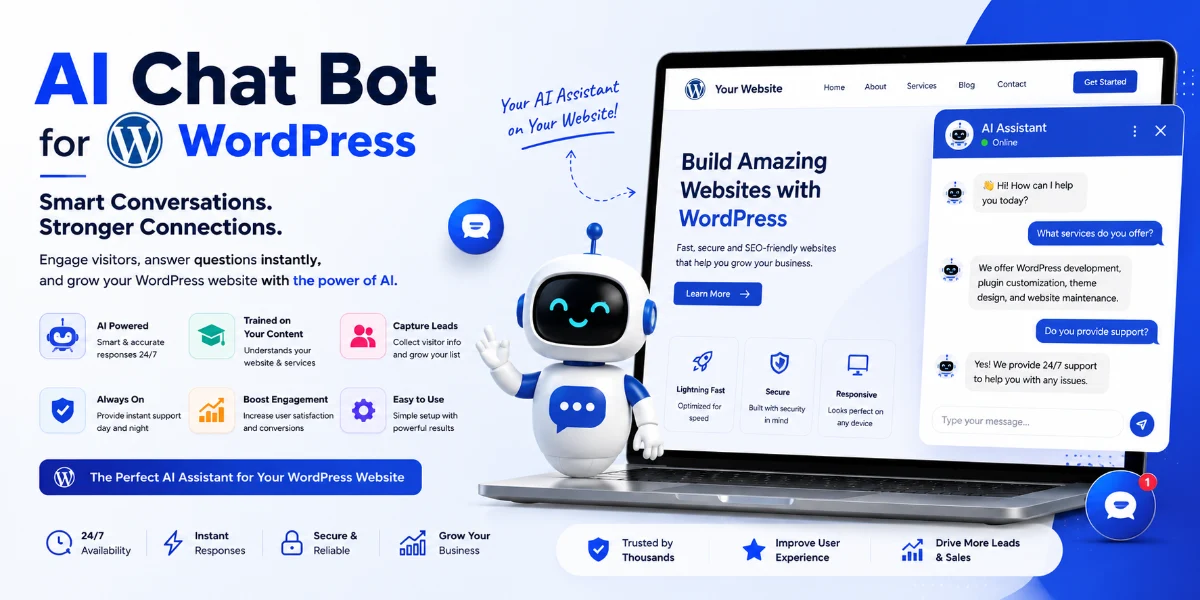
WordPress Lead Chatbot: Ultimate Guide to Generating Leads
🚀 Introduction
Your WordPress site is your digital storefront, but a vast majority of visitors leave without converting. Implementing a smart WordPress lead chatbot bridges the gap between browsing and buying by using conversational flows and AI to qualify visitors instantly.
(Insert Featured Image Here)
Image Alt Text: An expert configuring a WordPress lead chatbot to capture qualified prospects.
⭐ Key Takeaways
-
The best WordPress lead chatbot uses smart conversation flows and AI to qualify visitors instantly.
-
An interactive messaging tool can increase lead capture by up to 55% compared to static forms.
-
AI chatbot leads are more qualified because the bot asks pre-qualifying questions before capturing contact info.
-
SiteGPT is the top recommended tool for deep website knowledge and human-like lead generation.
🤖 What Is a WordPress Lead Chatbot?
A WordPress lead chatbot is an automated conversational tool that lives on your site to answer questions, recommend products, and capture leads. Unlike simple contact forms, an intelligent WordPress lead chatbot uses AI, natural language processing, and smart triggers to engage visitors at the right moment.
🔥 Why It Matters for Lead Generation
Static forms often suffer from high abandonment rates. Deploying a WordPress lead chatbot starts conversations, builds trust, and asks for contact details in a natural way, boosting conversion rates significantly by turning anonymous traffic into named, qualified prospects.
✅ Core Benefits
-
24/7 Lead Capture: Collect emails and phone numbers even while you sleep.
-
Higher Engagement: Interactive chat outperforms static forms because visitors love clicking options.
-
Qualified Leads Only: AI filters out tire-kickers by asking targeted questions.
-
Reduced Bounce Rate: Proactive triggers offer help before visitors exit your pages.
⚙️ How It Works
A WordPress lead chatbot operates through behavior-based greeting triggers, natural language engagement and qualification, frictionless data collection, and instant routing to your CRM or email marketing list.
📋 Step-by-Step Implementation Guide
-
Choose a Tool: Select a platform specializing in lead capture, such as SiteGPT.
-
Install on WordPress: Embed the plugin or JavaScript snippet into your theme’s footer.
-
Configure Triggers: Set the assistant to appear after a few seconds or on exit intent.
-
Design Flows: Build a conversation path asking 2–3 qualifying questions before requesting contact info.
-
Connect CRM: Integrate with tools like HubSpot or Mailchimp via Zapier or native settings.
📊 Comparison Table
🚫 Common Mistakes to Avoid
-
Asking too many questions in the chat window—keep initial data requests brief.
-
Neglecting mobile optimization so the widget looks unpolished on smartphones.
-
Ignoring follow-up timelines; responding to captured leads slowly kills conversion rates.
-
Failing to offer a human handover option for complex user inquiries.
💡 Expert Tips
-
Personalize greetings using the visitor’s page URL or referral source.
-
Leverage exit-intent triggers to catch abandoning visitors with an irresistible offer.
-
Train your WordPress lead chatbot with your best FAQs and product pages so it answers accurately.
🛠️ Recommended Tools
-
AI Platforms: SiteGPT for deep learning and automated domain training.
-
Hybrid Chat: Tidio for combined live chat and automated workflows.
-
CRM Suites: HubSpot for comprehensive lead management.
🔧 troubleshooting
-
Chatbot not appearing? Check JavaScript conflicts, caching plugins, or active ad blockers.
-
Low engagement? Modify your trigger timing or offer a valuable lead magnet like a discount code.
-
Leads not syncing? Verify your webhook settings and API keys with a dummy submission test.
❓ Frequently Asked Questions
Q. Can a WordPress lead chatbot generate more prospects than traditional forms?
Yes, a WordPress lead chatbot can capture significantly more leads than static forms by engaging visitors proactively through conversational flows.
Q. Do I need coding skills to set this up?
No coding skills are required; modern tools offer simple plugins or copy-and-paste JavaScript snippets compatible with any WordPress theme.
🏁 Conclusion
Your website is a powerful sales engine when equipped with a smart WordPress lead chatbot. Transforming passive visitors into active conversations builds a steady pipeline of high-quality prospects.
🚀 Ready to capture more leads?
Deploy your AI-powered assistant and watch your conversion rates soar today.
👉 [Visit SiteGPT to Get Started!]
© 2026 — WordPress Lead Chatbot Guide


