
AI chatbot for WordPress vs Traditional Chatbots: Ultimate Guide
🚀 Introduction
In the rapidly evolving digital landscape, choosing the right support assistant for your platform can dramatically impact user engagement, support efficiency, and conversion rates. Comparing an AI chatbot for WordPress against conventional rule-based tools reveals why modern generative AI offers a definitive competitive edge.
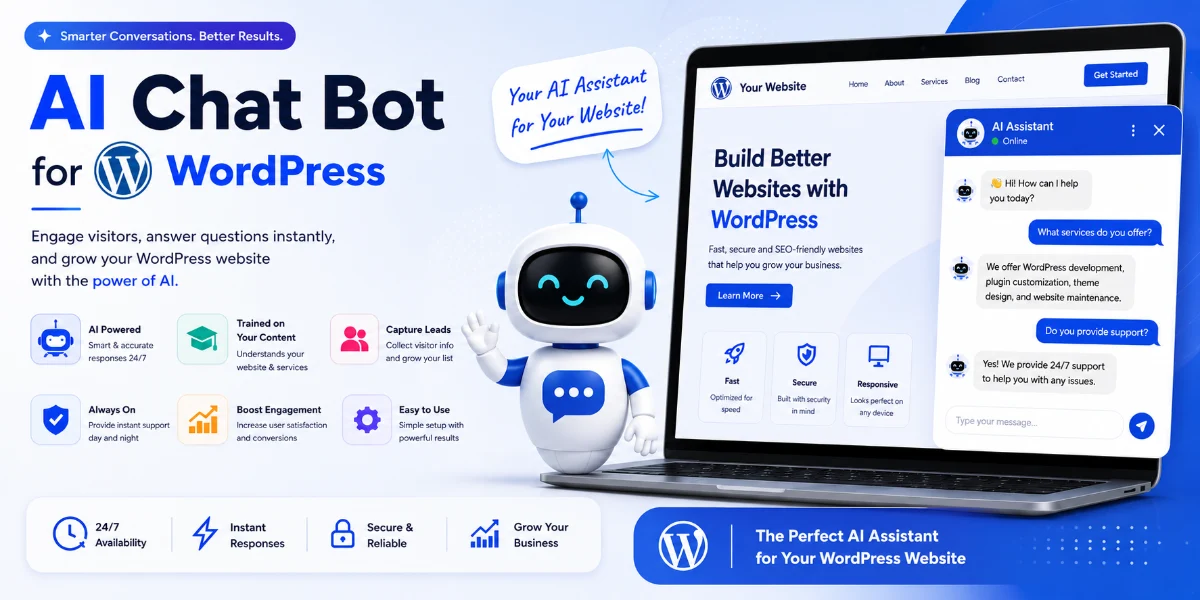
(Insert Featured Image Here)
Image Alt Text: An expert comparing an AI chatbot for WordPress with traditional rule-based solutions.
⭐ Key Takeaways
-
Superior Intelligence: Generative models understand context and nuance far beyond traditional rule-based systems.
-
Enhanced Personalization: An AI chatbot for WordPress provides tailored responses, increasing visitor satisfaction.
-
Autonomous Learning: Modern assistants continuously learn and improve, reducing manual script updates.
-
Cost Efficiency: Automate routine information delivery and free up human resources for complex tasks.
🤖 What Is a Smart Assistant?
An intelligent conversational agent represents the pinnacle of modern technology. Powered by advanced Generative Pre-trained Transformer models, it leverages Natural Language Understanding (NLU) to interpret user intent, generate real-time dynamic responses, and maintain conversational context.
🔥 Traditional vs. Modern Solutions
Traditional rule-based chat tools operate on fixed decision trees, keyword matching, and pre-scripted responses. If a user deviates from expected queries, older systems often fail. Conversely, an AI chatbot for WordPress adapts dynamically to user phrasing, providing fluid, human-like dialogue.
✅ Core Benefits
-
Contextual Awareness: Understands nuanced multi-turn dialogues smoothly.
-
24/7 Intelligent Support: Delivers accurate answers around the clock without delays.
-
Scalability: Handles vast volumes of simultaneous visitor inquiries effortlessly.
-
Seamless Integration: Designed for straightforward deployment and high performance.
⚙️ How It Works
Following ingestion of website data, sitemaps, and documentation, a modern conversational tool uses advanced Natural Language Processing to decode user input, retrieve relevant information, and synthesize custom text responses on the fly.
📋 Step-by-Step Implementation Guide
-
Sign Up: Create your account at http://thesitegpt.com.
-
Configure Knowledge Base: Link your sitemaps, URLs, or support documents for the AI to ingest.
-
Customize Appearance: Tailor the chat widget branding, colors, and welcome messages.
-
Embed Code: Copy the generated JavaScript snippet.
-
Install on WordPress: Paste the snippet via a code insertion plugin or directly into your theme templates.
📊 Comparison Table
🚫 Common Mistakes to Avoid
-
Failing to feed your virtual assistant sufficient, relevant website content during training.
-
Setting unrealistic expectations that artificial intelligence can completely replace human empathy.
-
Neglecting to monitor chat interaction logs and user feedback for ongoing refinement.
-
Hiding the chat widget or placing it where visitors cannot easily find it.
💡 Expert Tips
-
Prioritize high-quality, comprehensive content across your site so your assistant has a rich knowledge base.
-
Regularly update your training data as your products, services, or business policies evolve.
-
Implement a clear and efficient process for handing complex queries over to human support staff.
🛠️ Recommended Tools
-
AI Solutions: SiteGPT for seamless WordPress integration and automated domain training.
-
Performance: WP Rocket or LiteSpeed Cache to maintain optimal site speed.
-
Analytics: Google Analytics to monitor visitor engagement metrics.
🔧 Troubleshooting
-
Widget not appearing? Verify your embed code placement and clear all caching layers.
-
Irrelevant responses? Review your training source data and provide richer context during setup.
-
Slow loading? Optimize your overall server environment and ensure lightweight script execution.
❓ Frequently Asked Questions
Q. What makes an AI chatbot for WordPress different from traditional bots?
An AI chatbot for WordPress uses machine learning to understand natural language and generate real-time answers, whereas traditional tools rely on rigid keyword scripts.
Q. How does the system learn my specific content?
You train the tool by providing your website URLs, sitemaps, and help documents so it can index your unique business data.
🏁 Conclusion
The comparison between modern generative tools and legacy systems highlights a clear shift in online interaction. Integrating an AI chatbot for WordPress future-proofs your digital presence and delivers the natural conversations users expect.
🚀 Ready to transform your website?
Empower your visitors with intelligent, personalized conversational support today.
👉 [Visit Site GPT Today and Get Started!]
© 2026 — AI Chatbot for WordPress Guide


