
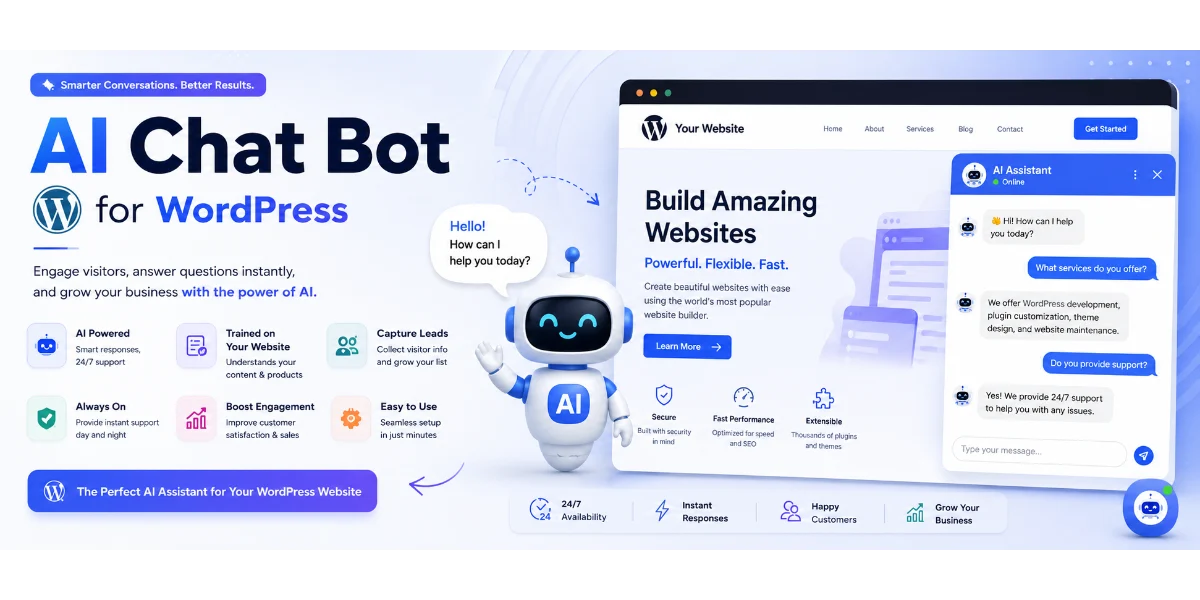
Site GPT: Ultimate AI Assistant Guide for WordPress
🚀 Introduction
Welcome to the forefront of website interaction! Running a WordPress platform involves constant challenges in engaging visitors and providing timely support. Integrating Site GPT as an intelligent AI assistant revolutionizes user engagement and streamlines operational efficiency.
(Insert Featured Image Here)
Image Alt Text: An expert configuring Site GPT inside a professional WordPress dashboard.
⭐ Key Takeaways
-
Seamless Integration: Site GPT is specifically designed to work effortlessly with your existing WordPress setup.
-
24/7 AI Assistant: Provide instant support and information to visitors around the clock without human intervention.
-
Advanced Features: Leverage natural language processing (NLP) to understand and respond intelligently to user queries.
-
Boosted Lead Generation: Automate the qualification and capture of leads directly through your virtual assistant.
🤖 What Is Site GPT for WordPress?
Site GPT is an innovative AI assistant specifically designed to integrate with and enhance WordPress websites. At its core, it leverages advanced artificial intelligence and natural language processing to understand, interpret, and respond to user queries in real-time.
🔥 Why Site GPT Matters for Your Business
In today’s competitive online landscape, merely having a WordPress website isn’t enough. Utilizing Site GPT delivers instant gratification, reduces bounce rates, and provides scalable support across different time zones.
✅ Core Benefits of Site GPT
-
Immediate Answers: Eliminate wait times by providing instant, accurate information.
-
Increased Sales: Guide users through the sales funnel and recommend products seamlessly.
-
Reduced Operational Costs: Automate responses to common queries to free up human staff.
-
Consistent Brand Messaging: Ensure every interaction aligns with your brand voice.
⚙️ How Site GPT Works
Site GPT ingests all relevant content from your website—pages, posts, product descriptions, and FAQs—uses natural language processing to analyze user intent, and dynamically generates coherent, contextually accurate answers.
📋 Step-by-Step Implementation Guide
-
Sign Up: Visit the official platform website and choose a plan that fits your needs.
-
Connect WordPress: Install the dedicated plugin or add the JavaScript snippet to your site header/footer.
-
Train Your Assistant: Allow the system to crawl your WordPress content or upload relevant documents.
-
Customize Appearance: Tailor the chatbot widget colors, avatar, and greeting message to match your brand.
-
Test & Monitor: Test the assistant with various queries before deploying live and reviewing ongoing analytics.
📊 Comparison Table
🚫 Common Mistakes to Avoid
-
Providing insufficient training data from your WordPress site, leading to unhelpful responses.
-
Setting unrealistic expectations that artificial intelligence will solve all customer service issues overnight.
-
Failing to provide a clear human handoff path for complex user queries.
-
Ignoring analytics and failing to review chatbot interaction data for improvements.
💡 Expert Tips for Optimization
-
Prioritize core content by ensuring your product pages, FAQs, and support articles are clear.
-
Monitor and iterate constantly by reviewing chatbot transcripts to add missing answers.
-
Leverage lead generation features to capture contact details for potential prospects.
🛠️ Recommended Tools
-
Analytics Suites: Google Analytics for tracking user behavior and traffic.
-
CRM Systems: HubSpot or Salesforce for managing captured leads.
-
Core Assistant: Site GPT for automated WordPress support.
🔧 Troubleshooting Common Issues
-
Chatbot not appearing? Verify plugin installation, code placement, and clear your cache.
-
Inaccurate responses? Review your ingested training data and ensure your site content is up-to-date.
-
Slow response times? Check your WordPress hosting performance and server environment.
❓ Frequently Asked Questions
Q. What features does Site GPT offer for WordPress?
It offers an AI-powered conversational engine, automated information retrieval from your site content, 24/7 availability, lead generation, and human handoff capabilities.
Q. Is it easy to set up for non-technical users?
Yes, the WordPress integration is handled via a simple plugin installation, and the dashboard for training and customization is highly intuitive.
🏁 Conclusion
Embracing Site GPT transforms your platform into a 24/7 digital concierge, lead-generation machine, and customer support powerhouse that drives measurable growth.
🚀 Ready to Discover the Future of WordPress Interaction?
Empower your website visitors and elevate your brand performance today.
👉 [Visit the official platform now to transform your site!]
© 2026 — Site GPT Guide


