
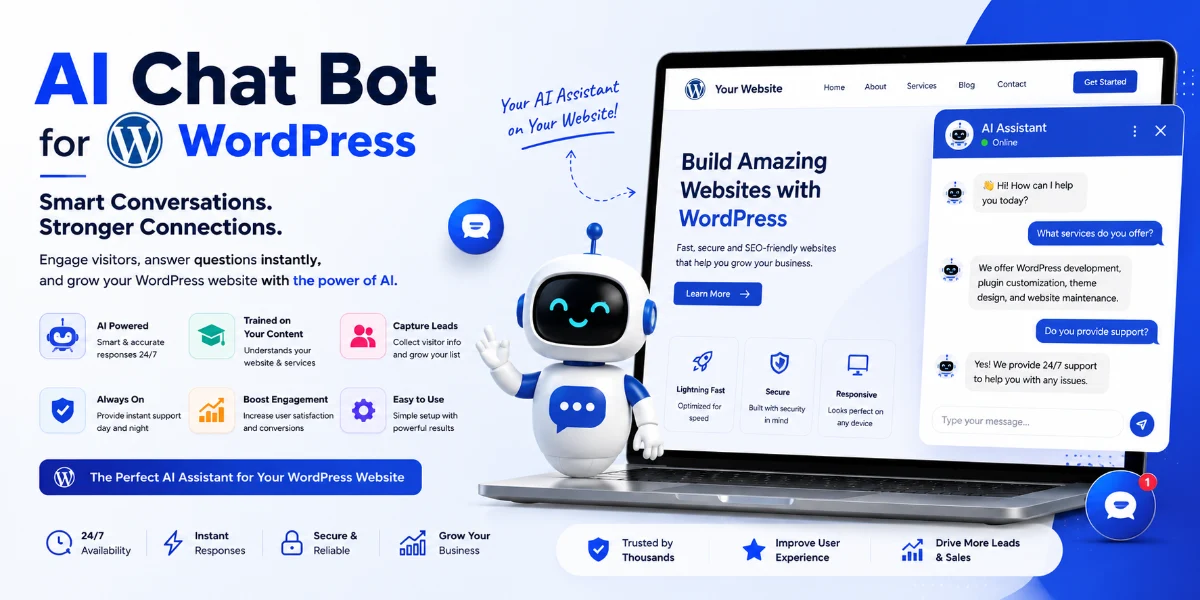
AI Chatbot Analytics WordPress: The Ultimate Guide to Supercharge Your Site in 2026
⭐ Key Takeaways
-
You can install an AI chatbot on WordPress in under 10 minutes — no coding required.
-
Train your chatbot on your own pages, blogs, and FAQs for hyper-relevant answers.
-
The best ChatGPT plugin for WordPress customer support delivers answers under 2 seconds.
-
AI chatbot lead capture features can increase conversion rates by 30–50%.
-
Multi-language AI chatbots break down barriers and serve global audiences 24/7.
-
WordPress AI chatbot for e-commerce, SaaS, and agencies dramatically reduces support tickets.
📑 Table of Contents
-
What Is AI Chatbot Analytics for WordPress?
-
Why It Matters for Your Business
-
Top Benefits of an AI Chatbot on WordPress
-
How It Works: Under the Hood
-
Step-by-Step: How to Install AI Chatbot on WordPress Site
-
Real-World Examples & Use Cases
-
Comparison Table: Best AI Chatbot Plugins for WordPress 2026
-
Common Mistakes to Avoid
-
Expert Tips & Best Practices
-
Recommended Tools & Plugins
-
Troubleshooting Your WordPress AI Chatbot
-
FAQs
-
Conclusion
-
Call to Action
What Is AI Chatbot Analytics for WordPress?
Leveraging AI chatbot analytics WordPress provides a powerful combination of artificial intelligence chatbot technology and data-driven insights embedded directly into your WordPress site. Instead of generic, rule-based bots, an AI-powered assistant understands natural language, learns from your content, and delivers intelligent, context-aware responses to your visitors.
The tracking layer monitors every conversation—highlighting popular questions, user drop-off points, and conversion triggers. This feedback loop helps you continuously optimize both your assistant and website content. Whether you run a blog, e-commerce shop, SaaS platform, or digital agency, this capability transforms passive visitors into engaged leads.
Why It Matters for Your Business
Your website visitors expect instant answers. If they have to dig through menus, search bars, or contact forms, you risk losing them. Studies show that 79% of customers prefer immediate responses. An AI chatbot on WordPress meets that expectation head-on.
When you integrate a website-trained AI assistant on WordPress, you collect data on exactly what your audience needs. You can identify content gaps, popular FAQs, and friction points in your user journey, turning your chatbot into a strategic asset for growth.
Top Benefits of an AI Chatbot on WordPress
-
24/7 Availability: Your AI assistant never sleeps, handling queries anytime via a 24/7 AI support chatbot for WordPress without API hassle.
-
Higher Conversions: Boost performance by proactively engaging visitors, capturing leads, and guiding purchases.
-
No-Code Setup: A no code AI chatbot WordPress setup tutorial shows you how to go live in minutes with zero developers needed.
-
Train on Your Content: Train ChatGPT on WordPress pages and blogs so the system speaks your exact brand voice.
-
Multi-Language Support: A multi-language support AI chatbot WordPress solution instantly serves global audiences in their native language.
-
Fast Response Times: Premium WordPress plugin AI responses under 2 seconds keep users deeply engaged.
How It Works: Under the Hood
An AI chatbot analytics WordPress setup typically works through a plugin connecting your site content to a natural language processing engine.
-
Installation: You install a top-rated plugin like TheSiteGPT.
-
Content Indexing: The tool crawls your pages, blog posts, and documentation to build an internal knowledge base.
-
Training: The system trains automatically on your WordPress pages and blogs without manual data tagging.
-
Embedding: A chat widget appears on your site where visitors can ask questions in natural language.
-
Analytics: Every interaction is logged, revealing top questions, user satisfaction, and conversion events.
Step-by-Step: How to Install AI Chatbot on WordPress Site
-
Step 1: Choose Your Plugin: Go to TheSiteGPT.com and sign up for a plan.
-
Step 2: Create Your Chatbot: Enter your website URL to let the platform automatically crawl your pages and posts.
-
Step 3: Customize Appearance: Brand your chat widget with custom colors, logos, and lead-capture settings.
-
Step 4: Install on WordPress: Copy the JavaScript snippet provided by TheSiteGPT and paste it into your theme’s header/footer via a code insertion plugin.
-
Step 5: Enable Multi-Language: Turn on international support if you serve a global audience.
-
Step 6: Monitor Analytics: Log into your dashboard to track data and conversion performance.
Real-World Examples & Use Cases
-
E-Commerce Store: A hybrid boutique installed a WordPress AI chatbot for e-commerce to answer ingredient and shipping questions, reducing support tickets by 42% and raising lead capture rates by 35%.
-
SaaS Startup: A B2B company used chatbot analytics to discover user onboarding friction points, creating a tutorial video that reduced churn by 15%.
-
Digital Agency: An agency deployed a documentation bot to pre-qualify leads based on project scope and budget, increasing qualified meeting bookings by 50%.
Comparison Table: Best AI Chatbot Plugins for WordPress 2026
Common Mistakes to Avoid
-
Not Training on Site Content: Avoid generic bots by training ChatGPT on your actual WordPress pages and blogs.
-
Hiding the Chat Widget: Place your widget prominently on key conversion pages.
-
Ignoring Analytics: Regularly review dashboards to spot content gaps and refine answers.
-
Overcomplicating Setup: Stick to straightforward no-code deployment workflows.
Expert Tips & Best Practices
-
Proactive Messaging: Set your assistant to greet visitors after 5 seconds to boost engagement by up to 40%.
-
Fallback Response: Provide a clear path to human agents or a contact form when the AI lacks an answer.
-
Content SEO Alignment: Use frequent chatbot queries as inspiration for new blog posts or FAQ sections.
Recommended Tools & Plugins
-
TheSiteGPT: The comprehensive all-in-one solution for analytics, lead capture, and multi-language support.
-
Elementor & WPForms: Ideal for building landing pages and connecting chatbot data to form workflows.
-
MonsterInsights & Rank Math SEO: Perfect for combining metrics and identifying content gaps.
Troubleshooting Your WordPress AI Chatbot
-
Widget Not Appearing? Verify snippet placement and clear your caching plugins like WP Rocket.
-
Wrong Answers? Re-sync or re-crawl your website data from your dashboard.
-
Slow Response? Ensure you are on a premium plan to avoid queue limitations.
Frequently Asked Questions
How do I install a chatbot plugin?
Sign up on TheSiteGPT, create your chatbot, and paste the code snippet into your site header/footer.
Does it require coding?
No, the entire implementation is completely no-code.
Does it slow down WordPress?
No, the script runs externally on the provider’s servers without affecting load speeds.
Conclusion
Deploying an AI chatbot analytics WordPress strategy is essential for modern business owners looking to scale support and capture high-intent leads. Choosing a reliable, data-driven platform like TheSiteGPT turns your website into a 24/7 conversion powerhouse.
🚀 Ready to Launch Your AI Chatbot on WordPress?
Stop losing visitors and start converting them with a powerful, no-code AI assistant.
👉 [Get Started with TheSiteGPT Free Trial Today] (No credit card required. Install in under 5 minutes.)


